Title
Is it possible to configure the unit of the y-axis without using a function?
Problem Description
Can I format of the y-axis without using a function? For example, some default thousandths, automatic unit addition, etc. Because only a pure json configuration can be used in the mini program scenario, and the callback function cannot be configured.
Solution
Starting from VChart version 1.7.0, custom function content can be registered by registering an expression function:
function labelFormat(key) {
  return key + 'test';
}

// Global registration function
VChart.registerFunction('labelFormat', labelFormat);</br>
The name of this registered function can be used in the corresponding chart configuration anywhere that supports custom callback functions:
const spec = {
  type: 'bar',
  data: [...],
  xField: 'month',
  yField: 'sales',
  label: {
    visible: true,
    formatMethod: 'labelFormat'
  }
};</br>
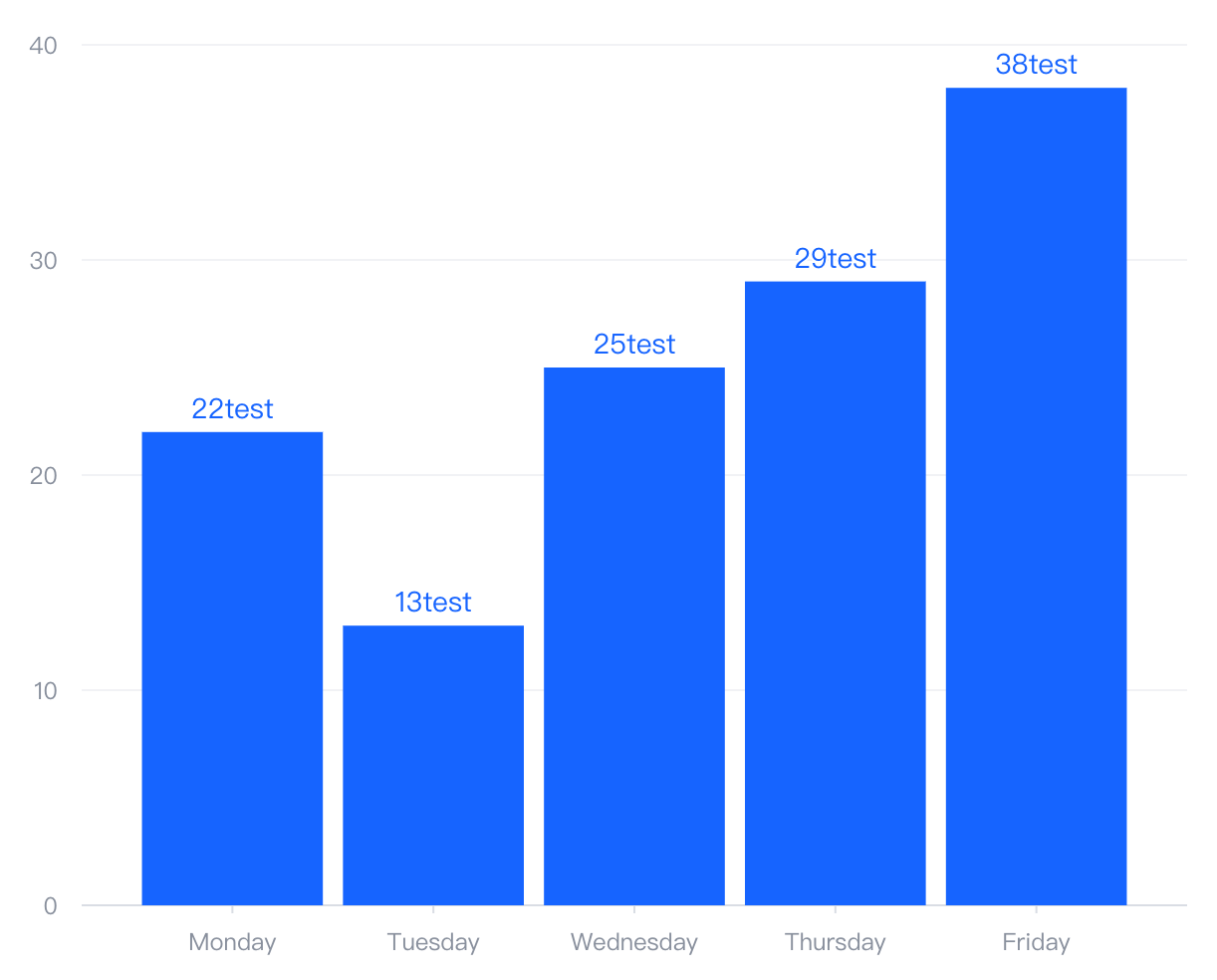
The functions of registered functions can take effect in environments such as Feishu widgets and WeChat mini programs.
Code Example
function labelFormat(key) {
  return key + 'test';
}

// Global registration function
VChart.registerFunction('labelFormat', labelFormat);

const spec = {
  type: 'bar',
  data: [
    {
      id: 'barData',
      values: [
        { month: 'Monday', sales: 22 },
        { month: 'Tuesday', sales: 13 },
        { month: 'Wednesday', sales: 25 },
        { month: 'Thursday', sales: 29 },
        { month: 'Friday', sales: 38 }
      ]
    }
  ],
  xField: 'month',
  yField: 'sales',
  label: {
    visible: true,
    formatMethod: 'labelFormat'
  }
};

const vchart = new VChart(spec, { dom: CONTAINER_ID });
vchart.renderSync();</br>
Results